How to use Pterodactyl
Unlock the full power of Pterodactyl with this easy-to-follow guide! Whether you’re just starting out or looking to master game server management, this book walks you through everything you need to know—step by step. Get tips, tricks, and practical examples to make your server hosting experience smooth and stress-free.
Minecraft
Everything about Minecraft
Minecraft
Change server version
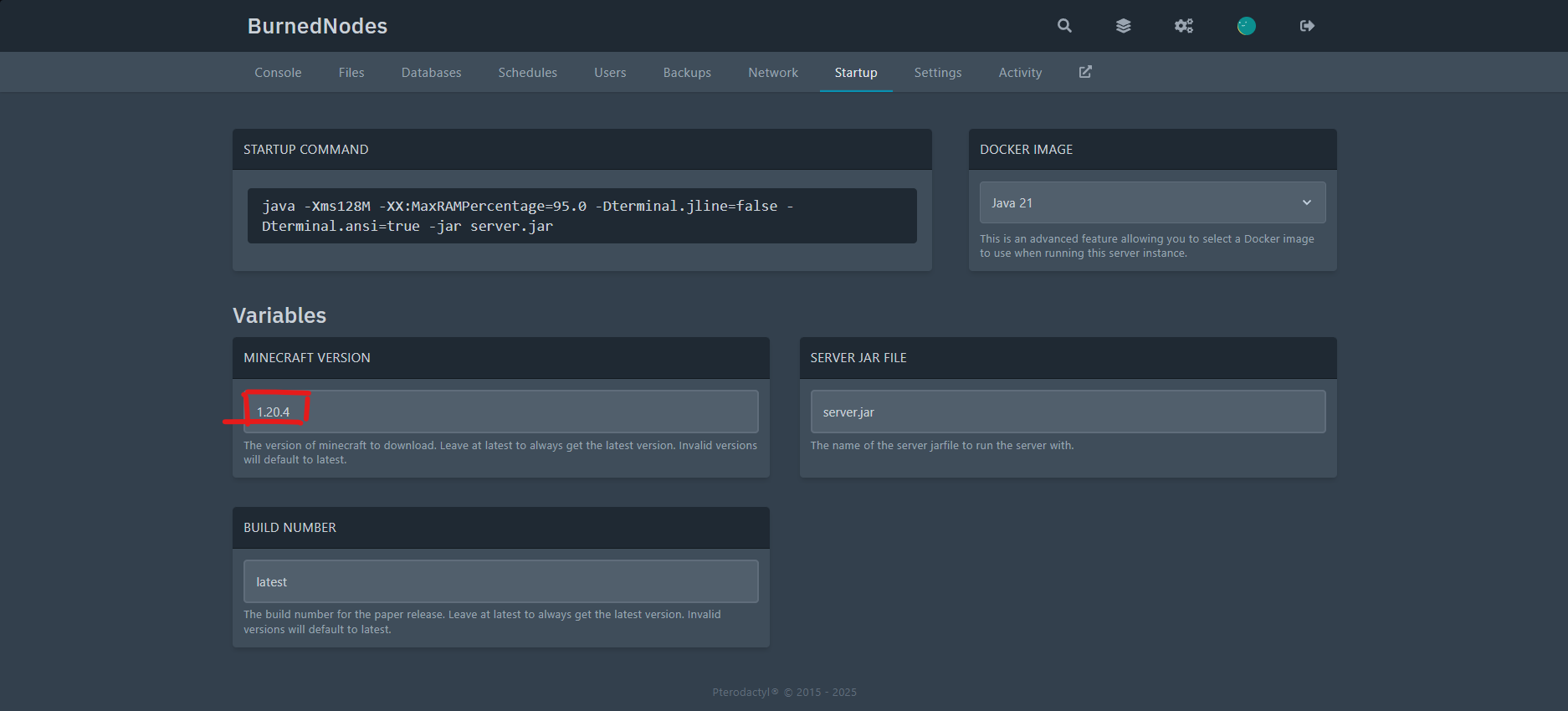
Step #1 | Move to "Startup" and choose version
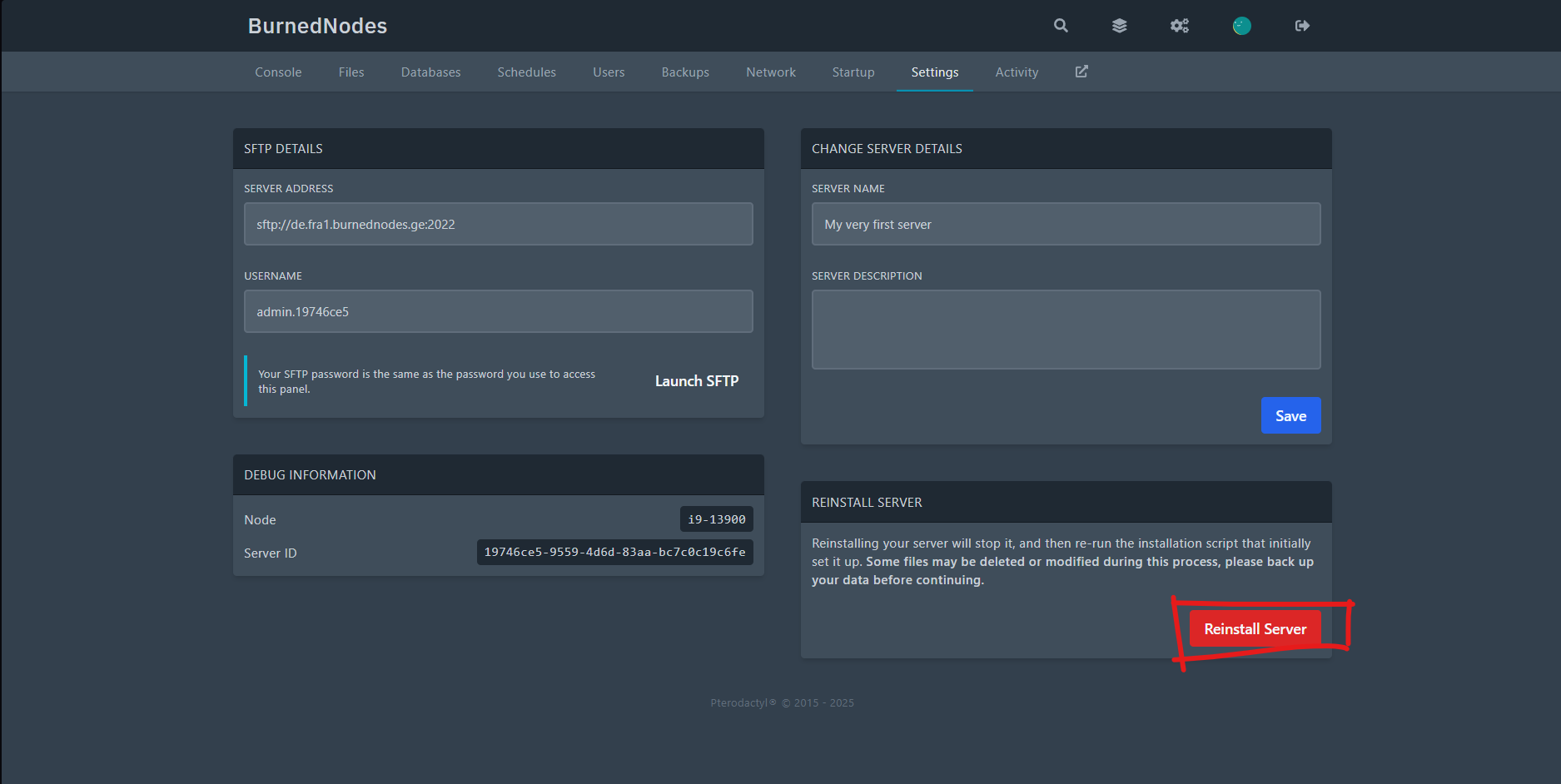
Step #2 | Move to "Settings" right next to "Startup" and click "Reinstall Server" button

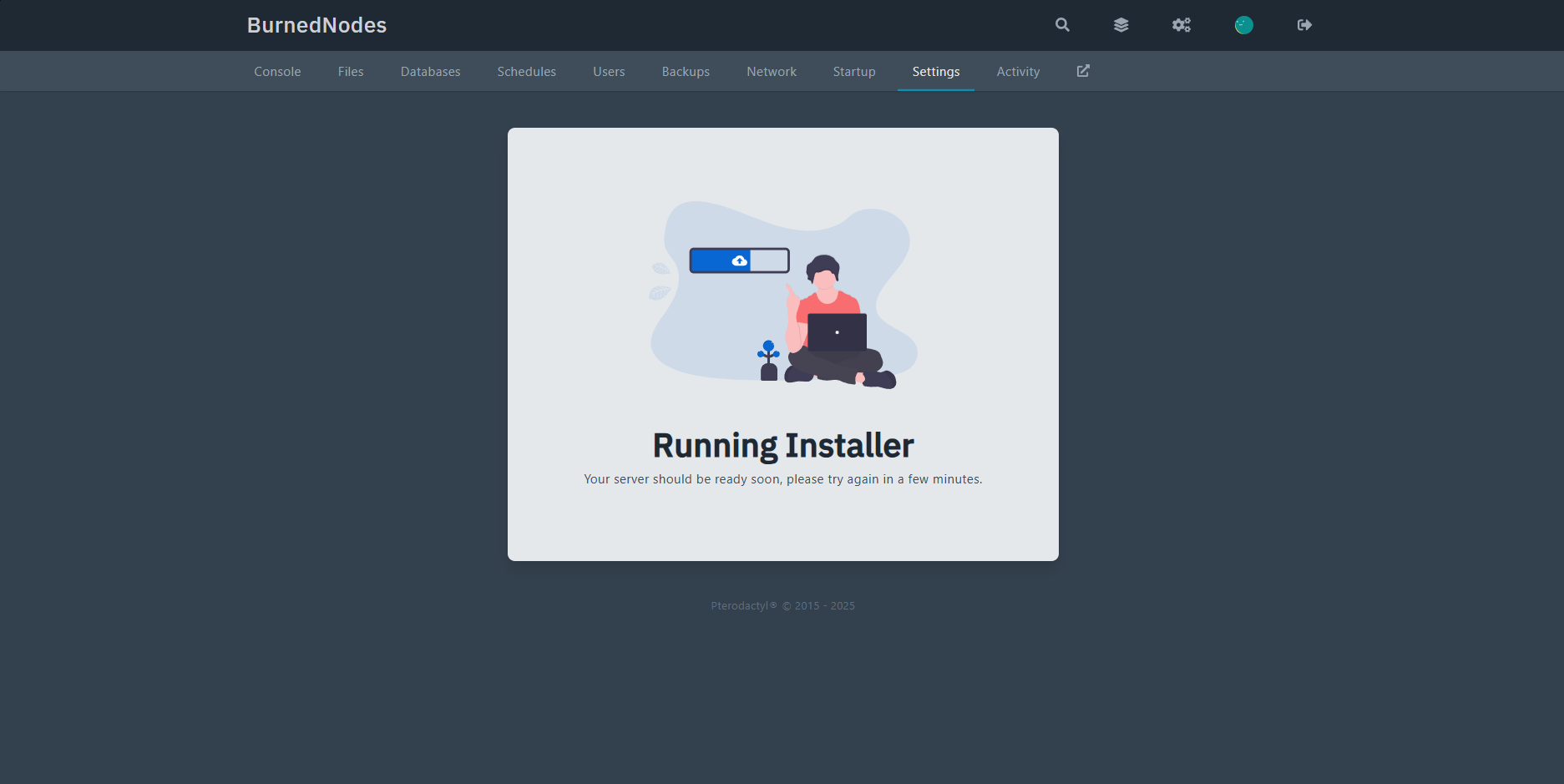
Step #3 | Wait for installation process to finish
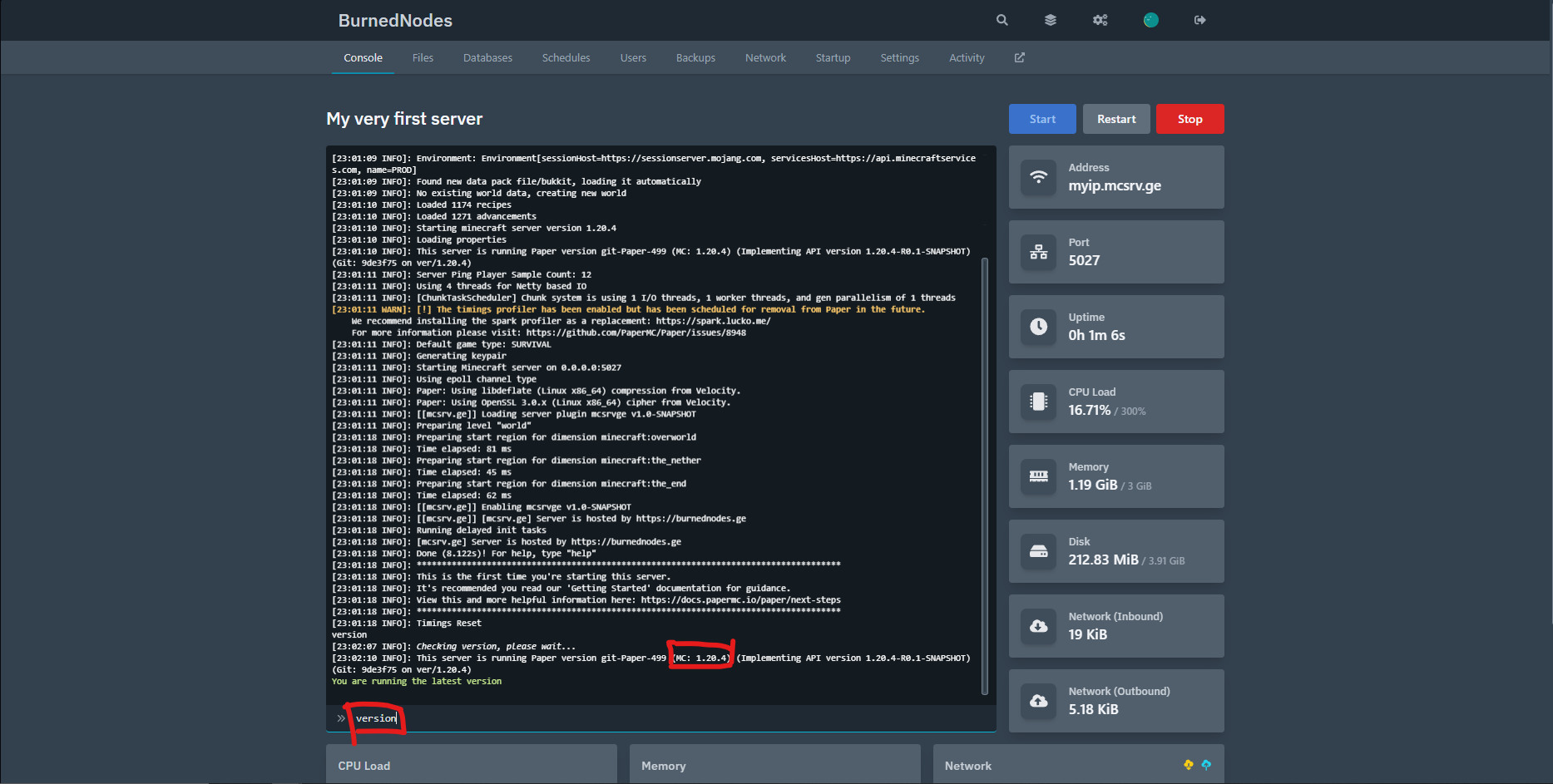
After installation process is done you can start your server and check version by sending command version in console and you will see server version is updated